









Choosing between 3CX and Microsoft Teams Phone is a decision many UK businesses face when reviewing their communications setup. Both are capable platforms, but they’re built around very different priorities, budgets, and telephony needs. This guide cuts through the noise and focuses on what actually matters: cost, features, use cases, and which platform suits your business in 2026.
QUICK VERDICT
More businesses are now running both side by side: Teams for day-to-day internal communication, and 3CX managing inbound and outbound calls. It is a practical arrangement that avoids the compromises of committing entirely to either platform, and for many UK businesses it has become the default starting point rather than a fallback option.
3CX
BETTER FOR
For businesses where telephony is central particularly smaller and mid-sized companies, teams that deal directly with customers, and organisations that need flexible call routing 3CX tends to offer more for less. The pricing is transparent, the feature set is mature, and you are not dependent on a broader software ecosystem to make it work.
Microsoft Teams Phone
BETTER FOR
Teams Phone is a different kind of proposition. It works well when your team is already settled into Microsoft 365 and you want voice calling to slot neatly into that environment. The telephony itself plays a supporting role here the collaboration tools are the main event, and phone calls sit alongside them.
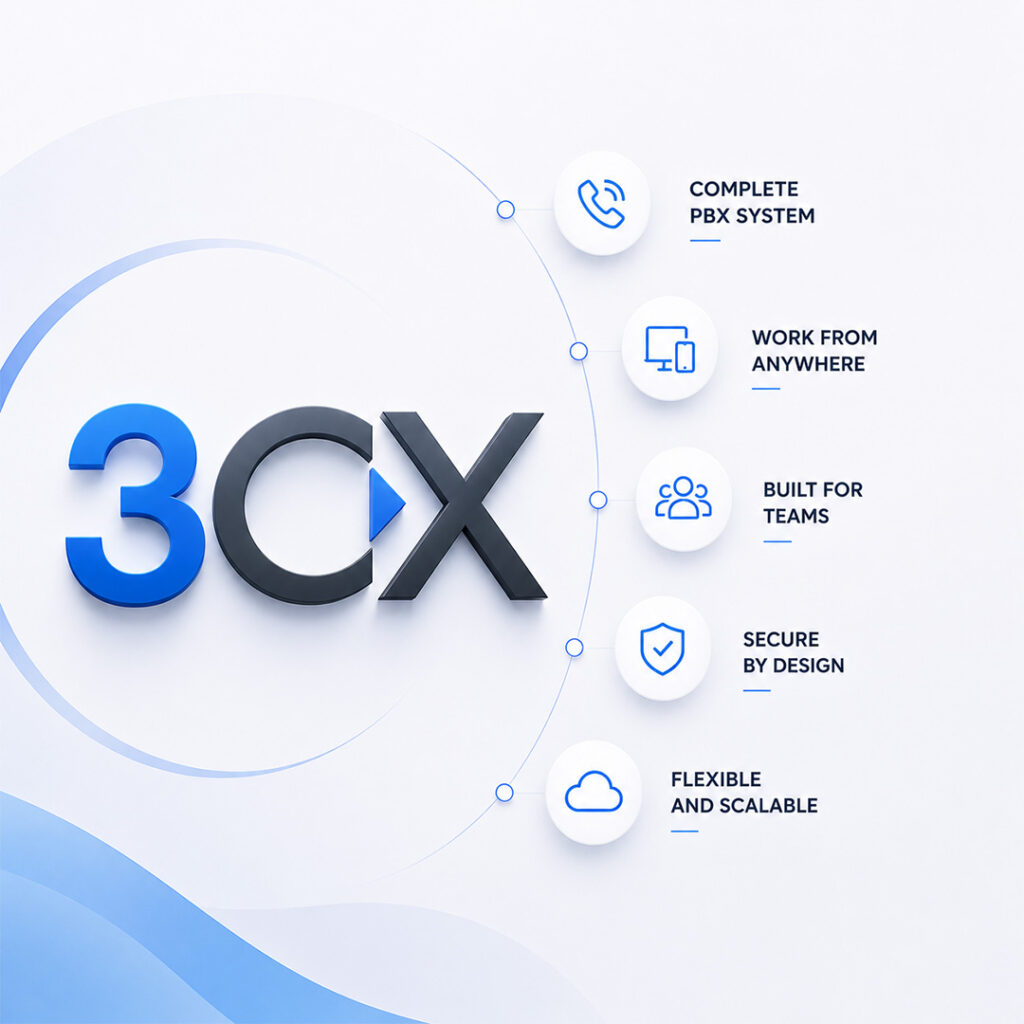
3CX is a software-based IP PBX that runs on your own infrastructure, a private cloud, or 3CX’s hosted service. It’s built around telephony offering advanced call handling, flexible deployment, and a concurrent call licensing model that makes it significantly more cost-effective than per-user systems for most organisations.
The current version (V20) includes a visual Call Flow Designer, built-in contact centre tools, video meetings (3CX Meet), a free tier for up to 10 users, and native CRM integrations.
It works with any UK SIP trunk provider including Gamma, Voiceflex, and NFON and supports a wide range of SIP-certified desk phones from Yealink, Fanvil, Snom, and others.
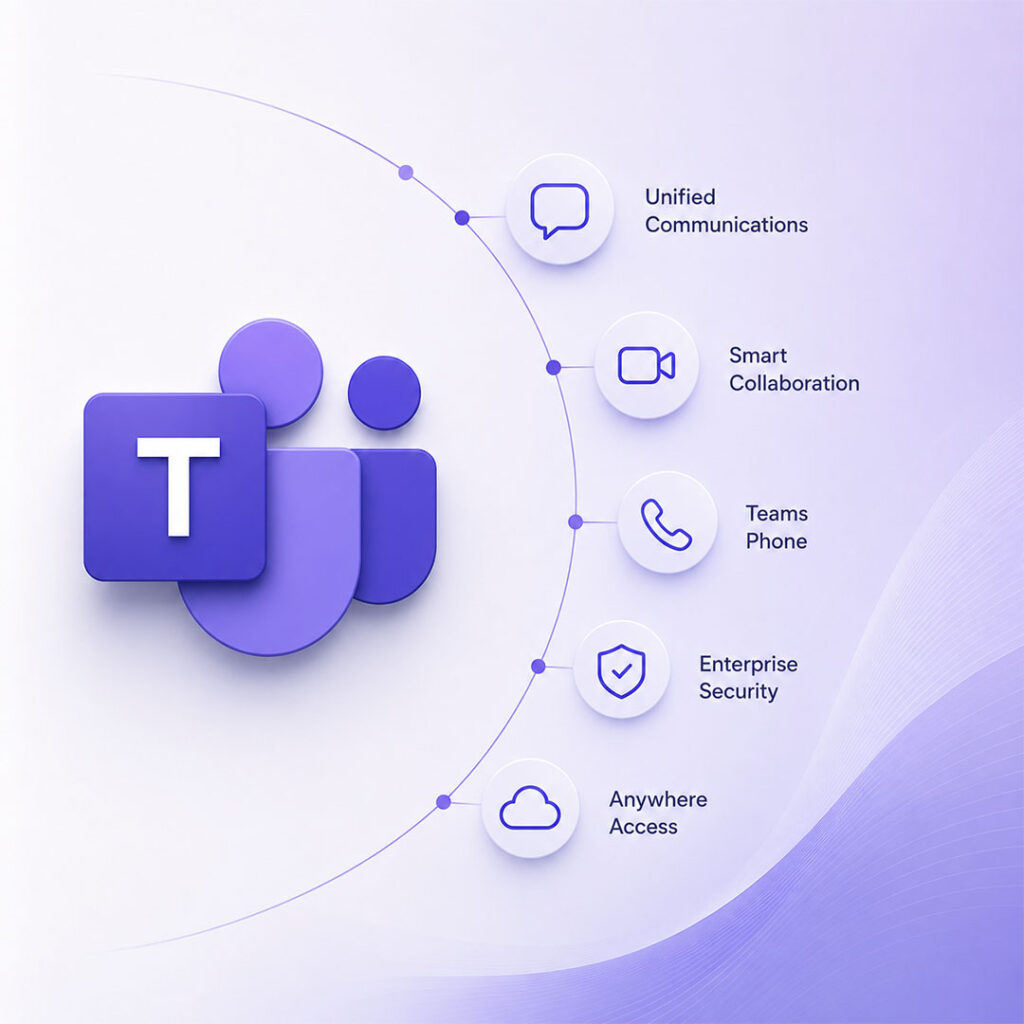
Teams Phone is a telephony add-on for Microsoft Teams, not a standalone phone system. It extends the Teams platform used widely across UK businesses on Microsoft 365 to support external PSTN calling.
It connects to the UK phone network either through Microsoft’s own Calling Plans or via Direct Routing, which uses a Session Border Controller to link Teams with a third-party SIP trunk provider.
Teams Phone is at its strongest when telephony is a secondary need and the priority is a unified Microsoft environment combining calls, chat, video, and document collaboration in one place.
AT GLANCE
| Feature | 3CX | Microsoft Teams Phone |
|---|---|---|
| Pricing model | Concurrent call licensing | Per-user per-month |
| Typical cost (30 users) | ~£100–£140/month (typical) | ~£540–£810/month (typical) |
| Deployment options | Cloud, self-hosted, on-premises | Microsoft cloud (Azure) only |
| IVR / call flows | Advanced visual Call Flow Designer | Basic auto attendant |
| Contact centre | Included | Requires add-ons |
| SIP trunk flexibility | Any UK provider | Calling Plan or Direct Routing |
| Video & collaboration | Phone-first; basic video | Full Teams suite |
| CRM integration | Native (Salesforce, HubSpot, Zoho) | Limited natively |
| AI features | AI Receptionist, voicemail transcription | Copilot for Microsoft 365 (separate add-on licence required) |
| Setup complexity | Moderate; partner-recommended | Simpler in Microsoft 365 environments |
Pricing estimates are indicative and may vary by provider, deployment type, user count, and licensing configuration.
See Which System Matches Your Requirements
3CX was built as a PBX first. Its call handling is comprehensive and included in the standard licence: time-based routing, multi-level IVR menus, skills-based queues, overflow rules, callback queuing, and a drag-and-drop Call Flow Designer no coding required.
Teams Phone handles basic telephony well: auto attendants, business hours schedules, and simple call forwarding. For anything more complex multi-level IVRs, queue callback, integration with external data you’ll need Power Automate workarounds or third-party add-ons.
For straightforward telephony, Teams Phone is sufficient. For organisations with busy reception desks, multi-department routing, or support lines, 3CX is considerably more capable out of the box.
Teams has a clear advantage here. It supports large-scale meetings, breakout rooms, AI-generated summaries via Copilot for Microsoft 365 (separate add-on licence required), and deep integration with Outlook, SharePoint, and Microsoft 365 apps.
3CX includes 3CX Meet for basic video needs scheduled meetings, screen sharing, browser access but it’s a supporting feature, not the main event.
If internal collaboration and video are central to your daily operations, Teams wins this outright.
This is where 3CX has an edge for customer-facing businesses. The following come standard with 3CX at no extra cost:
Teams Phone has limited native contact centre capability. Advanced contact centre functionality typically requires third-party certified solutions adding £15–£50+ per agent per month on top of existing licensing.
For sales teams, support desks, or any customer-facing operation, 3CX’s included contact centre features represent a meaningful cost saving.
Need Advanced Call Handling for Your Team?
3CX includes built-in reporting in the admin console: call history, queue stats, agent performance, missed calls, and exportable data included with the licence.
Teams Phone offers IT-level reporting through the Teams Admin Centre and Call Quality Dashboard, but business analytics agent productivity, queue performance, wait times need additional tools or Power BI integration.
3CX works with a wide range of SIP-certified desk phones, giving businesses flexibility to reuse existing hardware or source cost-effective devices.
Teams Phone requires Teams-certified devices for the full experience. These tend to carry a premium, and businesses transitioning from older systems may face notable hardware replacement costs.
3CX licensing is based on concurrent calls, meaning pricing depends on the number of simultaneous calls the system must support rather than the number of users.
Figures are indicative and may vary depending on reseller, configuration, and usage.
Each user requiring external calling must have a Teams Phone Standard licence, plus either a Microsoft Calling Plan or Direct Routing via SIP trunk.
Figures are indicative and may vary depending on licensing model, provider, and deployment configuration.
Microsoft Calling Plans simplify setup Microsoft manages the PSTN relationship and bundles outbound minutes per user. Convenient, but typically more expensive per minute than UK SIP trunks.
Direct Routing connects Teams to a UK SIP provider via a certified Session Border Controller, offering potential call cost savings but adding setup complexity and SBC costs (typically £500–£3,000 setup; ongoing licensing varies)
3CX connects directly to any UK SIP trunk without an SBC, keeping call costs low and provider flexibility high.
1Pricing estimates are indicative and may vary by provider, deployment type, user count, and licensing configuration.
Compare Real Costs From UK Providers
3CX offers genuine choice: fully hosted by 3CX, managed by a UK partner, self-hosted on private cloud (AWS, Azure, Google Cloud), or on-premises. This matters for businesses with data sovereignty requirements or existing infrastructure.
Teams Phone is cloud-only 9+ hosted on Microsoft Azure. Data sits in UK/EU datacentres, which satisfies most GDPR requirements, but private or on-premises hosting isn’t an option.
Evaluating other PBX-focused systems as well? You may also want to compare 3CX vs Yeastar to see how their deployment flexibility, SIP trunk support, and licensing models differ.
3CX’s web-based admin console is accessible from any browser. Adding extensions, updating call flows, reviewing reports, managing voicemail most of this can be handled by an in-house office manager or IT contact without specialist training. UK partners typically provide ongoing managed support.
Teams Phone administration runs through the Microsoft 365 and Teams Admin Centre. Familiar territory for Microsoft 365 IT teams, but telephony-specific configuration call queues, Direct Routing, SBC management requires Microsoft expertise that general IT staff may not have.
3CX includes native integrations with Salesforce, HubSpot, Zoho CRM, Microsoft Dynamics 365, and Freshdesk delivering screen-pop functionality out of the box. These are part of the core licence.
Teams Phone integrates well with Dynamics 365 within the Microsoft ecosystem, but third-party CRM connections (Salesforce, HubSpot) typically require Power Automate workflows or third-party connectors.
For sales and support teams relying on Salesforce or HubSpot, 3CX’s native integration is a practical advantage.
The two platforms aren’t mutually exclusive. 3CX can be configured as a Direct Routing provider for Teams, routing external calls through 3CX’s telephony infrastructure while Teams handles internal communication. This hybrid setup is popular among businesses that want Teams for collaboration but need 3CX’s advanced IVR and queuing for external calls.
| Area | 3CX | Microsoft Teams Phone |
|---|---|---|
| Security & Compliance | TLS and SRTP encryption, SIP attack protection, IP allowlisting, and configurable security hardening in self-hosted deployments. | Azure AD authentication, MFA, conditional access, encryption for calls, and Microsoft Purview compliance tools. |
| Compliance Position | GDPR compliance depends on deployment model and hosting configuration. | Enterprise compliance framework with Microsoft governance and regulatory tooling. |
| Uptime & Reliability | Cloud-hosted deployments typically provide 99.9%+ uptime. SIP failover supported for redundancy. | Hosted on Microsoft Azure with SLA-backed availability. Outages may impact multiple services simultaneously. |
| Support Model | Support via UK resellers, depending on selected partner. | Microsoft support plus certified partner assistance for telephony-related issues. |
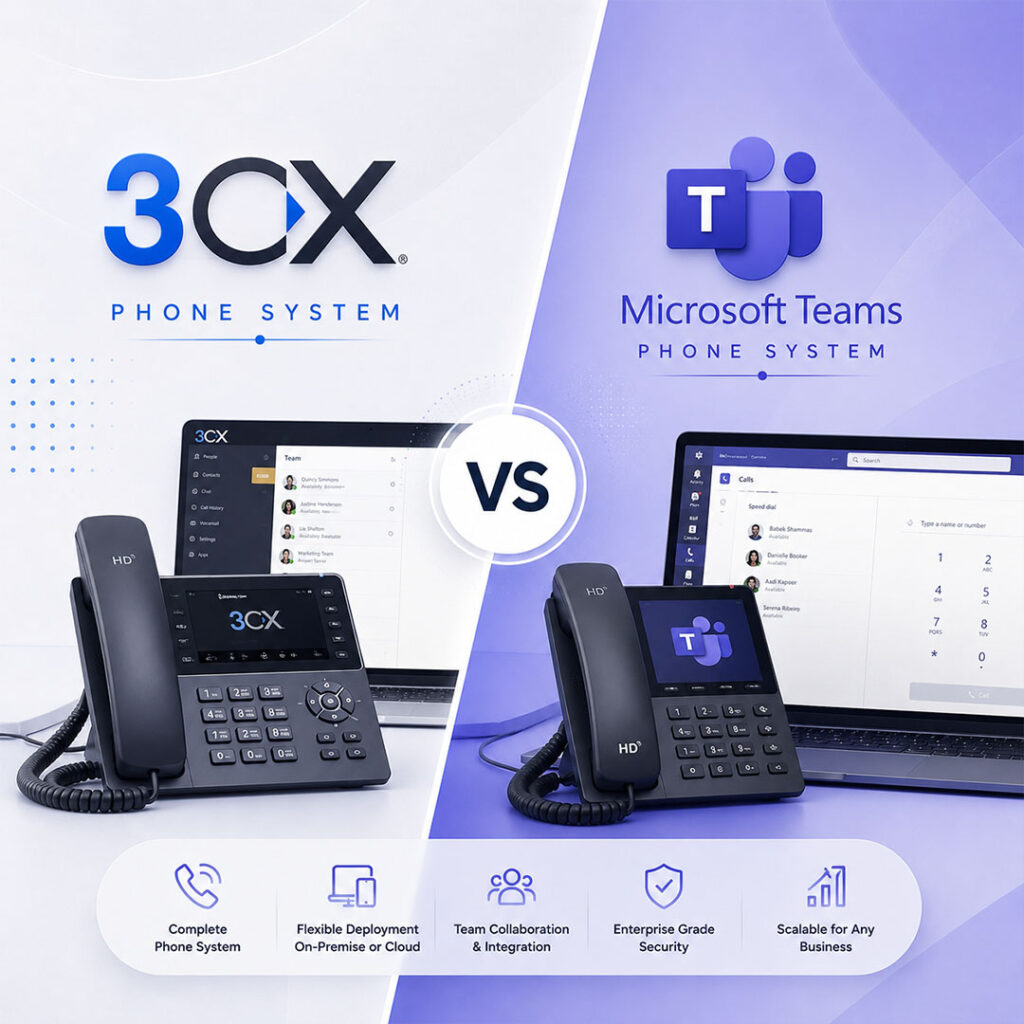
Both platforms support migration from legacy PBX systems. 3CX often offers smoother migration for existing SIP phone hardware, while Teams Phone may require new Teams-certified handsets.
SUMMARY
3CX and Teams Phone both deliver capable telephony in 2026 but for different audiences.
3CX is the stronger choice for UK SMEs and customer-facing businesses where telephony capability and cost efficiency matter. The concurrent licensing model included contact centre features, and SIP trunk flexibility make it hard to match on value. Teams Phone makes most sense when you’re already running Microsoft 365 across your organisation, telephony needs are straightforward, and the per-user cost is an acceptable trade-off for a single, unified environment. For many UK businesses, a hybrid approach Teams for collaboration, 3CX for external telephony delivers the best outcome without the full cost of Teams Phone licensing.
Not sure which fits your setup? Compare tailored quotes from UK providers for both platforms and find the right deployment for your business.
For most UK businesses, yes. 3CX’s concurrent call licensing means you pay for call capacity rather than per user. A 30-user business typically pays £100–£150/month all-in with 3CX (including SIP trunk). Equivalent Teams Phone licensing for the same 30 users typically runs £540–£810/month. The gap widens as headcount grows.
Yes. 3CX can be configured as a Direct Routing provider for Teams, routing external calls through 3CX’s infrastructure while Teams handles internal communication. This hybrid approach suits businesses that want Teams for collaboration but need 3CX’s advanced call handling for customer-facing calls.
For businesses with straightforward telephony needs basic routing, auto attendant, voicemail Teams Phone can work as a PBX replacement, particularly within a Microsoft 365 environment. For organisations needing complex IVR, contact centre capabilities, or SIP trunk flexibility, it’s not a full substitute.
It depends on how your team works. Teams is better for remote knowledge workers focused on video, documents, and chat. 3CX is better for remote customer-facing teams agents in call queues, support staff, and sales teams who need full PBX functionality from any location.
Not necessarily. Microsoft Calling Plans handle PSTN connectivity without Direct Routing simpler to set up, but typically more expensive per minute. Direct Routing via a UK SIP provider can reduce call costs for higher-volume businesses, but requires an SBC and more complex configuration.
It depends on your situation. UK SMEs and customer-facing businesses tend to find 3CX the stronger fit on cost and telephony capability. Businesses committed to Microsoft 365 with simpler telephony needs tend to prefer Teams Phone. For contact centre or advanced call routing requirements, 3CX is the more suitable option. We help to compare Systems side by side to get UK-specific quotes based on your actual requirements.