










UK businesses now choose Microsoft Teams Phone System more than ever. It offers a smart way to move away from old-style office phones towards flexible cloud communications. Teams brings calls, meetings, messaging, and teamwork into one easy app everyone already uses. For business calls to work in Teams, you need a reliable link to the public phone network. Specialist providers make this happen by offering the right connections, setup, and support to keep everything running without a hitch. This guide breaks down some of the best Microsoft Teams Phone providers available in the UK. We cover their pricing, connection types, and what suits different business needs. You’ll find it simple to pick the right one for your team.
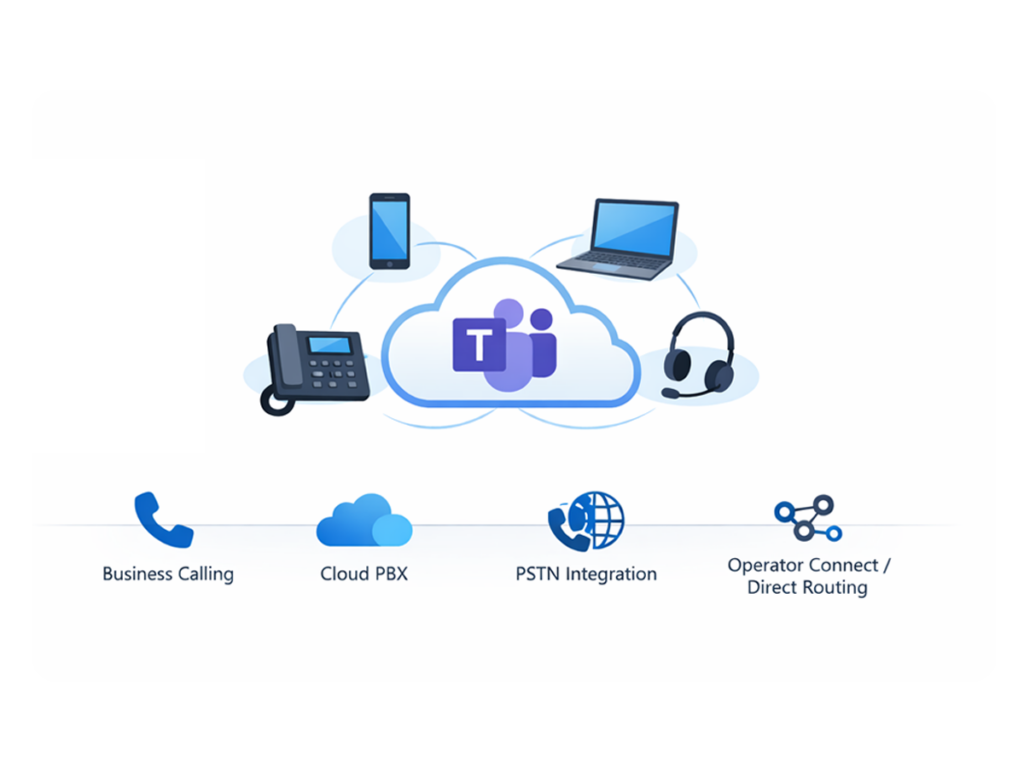
Picking the right Microsoft Teams Phone System provider really shapes your call quality, system reliability, and ability to grow over time. Microsoft Teams takes care of collaboration nicely, but the provider supplies the key phone connections that make business calls possible.
A dependable partner gets everything working well with Microsoft 365. This means your team can handle incoming and outgoing calls straight from Teams. They also help with important tasks like moving your numbers over, setting up the system, and training users so the change from old phones feels straightforward.
Going with an experienced provider means your communications can expand alongside your business. You enjoy steady service and trustworthy Teams calling that matches your changing needs.
The following overview highlights several leading Microsoft Teams Phone System providers serving organisations across the UK. These providers deliver Teams telephony through Direct Routing, Operator Connect, or managed cloud communication services.
| Rank | Provider | Key Strengths | Pricing (per user/month) | Best For |
|---|---|---|---|---|
| 1 | The VoIP Shop | Direct Routing expertise, UK call bundles, migration support | £12–£18 | Cost-focused SMEs |
| 2 | Gamma | Operator Connect partner with strong Microsoft ecosystem integration | £20–£25 | Microsoft-centric businesses |
| 3 | BT | Enterprise infrastructure with global connectivity | £18–£25 | Large enterprises |
| 4 | Virgin Media Business | National network backbone and hybrid connectivity | £22–£28 | Distributed teams |
| 5 | Fusion Connect | Managed UCaaS solutions with global compliance features | £19–£24 | Mid-market and regulated sectors |
Each provider delivers Microsoft Teams telephony in a slightly different way. Some focus on flexible Direct Routing solutions, while others specialise in fully managed Operator Connect services. Businesses should evaluate pricing models, connectivity options, and support services before selecting a provider.
Compare UK Teams providers
When picking a provider, businesses do well to weigh up a few key areas. Price matters, of course, but network strength, support hours, and connection types often prove just as vital for smooth day-to-day use.
Most providers link Teams calling through Direct Routing or Operator Connect. Direct Routing gives you more control and options to suit your setup. Operator Connect makes things simpler by linking straight into the Teams admin centre.
For many firms, clear calls keep customer service running. Look for providers with solid networks, backup routes, and firm promises on service levels. This setup keeps call quality steady, even during busy periods.
Few businesses want to lose their established phone numbers during a switch to Teams. A capable provider handles the transfer process carefully to cut any downtime and keep things moving.
Support levels differ across providers. Some stick to office hours, while others offer round-the-clock help or full managed services. If calls drive your work, seek out teams that respond quickly when issues arise.
Growth brings new demands on communications. The best providers let you add users, sites, or extra features with ease, so your phone setup keeps up without headaches.
Every business has unique communication needs. The ideal Microsoft Teams Phone System provider usually matches your company size, sector, and daily operations.
Small teams often look for cost-effective options and straightforward setup with Teams calling. Providers focused on Direct Routing tend to bundle affordable plans that keep things simple. For these groups, fast rollout, basic call handling, and dependable help take priority over fancy extras.
Mid-sized firms or those with several offices need more, like call queues, automated answers, CRM links, and one central dashboard. The right provider offers room to grow, handling higher call traffic and extra staff without trouble.
Big companies demand top-tier phone features, constant uptime, and tight security. Providers in this space bring robust networks, worldwide reach, and strong service guarantees. When rolling out Teams across regions, smooth ties to your IT setup and meeting regulations matter most.
Here’s a closer look at some leading providers helping UK organisations set up Microsoft Teams Phone System. Each one brings strengths to suit different business needs.
The VoIP Shop, based in the UK, specialises in Direct Routing for Microsoft Teams Phone System. They help firms swap old phone setups for straightforward cloud calling through Teams.
Key Features
This provider links smoothly with Microsoft 365, letting businesses add calling right into Teams while keeping things under their control. UK call bundles and number transfers make the switch easier.
Their Direct Routing setup connects your current telecom lines to Teams, offering good flexibility and value.
Best For: Small and mid-sized businesses often find The VoIP Shop a smart pick for affordable Teams calling with adaptable plans.
Gamma ranks among the UK’s top telecom firms and serves as a trusted Operator Connect partner for Microsoft Teams. They focus on solid connections for Teams phone users.
Key Features
Gamma runs fully managed Operator Connect that plugs directly into Teams. Businesses can turn on calling via the admin centre without tricky setups.
Extras like SIP trunking, smart call routing, and tight Microsoft 365 links round out the package.
Best For: Firms deep in the Microsoft world often go with Gamma for dependable Operator Connect services.
BT, a major UK telecom player, includes Microsoft Teams Phone System in its wide-ranging enterprise services.
Key Features
BT provides Operator Connect, global networks, and big-business tools. Teams users gain from firm service promises and broad coverage.
Best For: Large firms and multi-site operations typically choose BT for rock-solid communication backbones.
Virgin Media Business offers telecom, network, and communication services across the UK. Their Microsoft Teams Phone System fits modern cloud setups for all sizes.
Key Features
They use a nationwide fibre network for stable Teams calling and clear voice quality. This supports hybrid teams making calls from anywhere via Teams. Links to mobiles and desk phones keep distributed staff connected easily.
Best For: Hybrid workplaces or firms needing strong networks alongside Teams telephony often suit Virgin Media Business well.
Fusion Connect delivers global managed services for Microsoft Teams Phone System. They target unified communications for multi-location businesses.
Key Features
Expect integrated voice, managed links, and compliance tools. Call recording, monitoring, and clever routing help meet rules and keep control. Global reach aids teams working across borders.
Best For: Mid-market firms or regulated sectors often pick Fusion Connect for handled services and compliance focus.
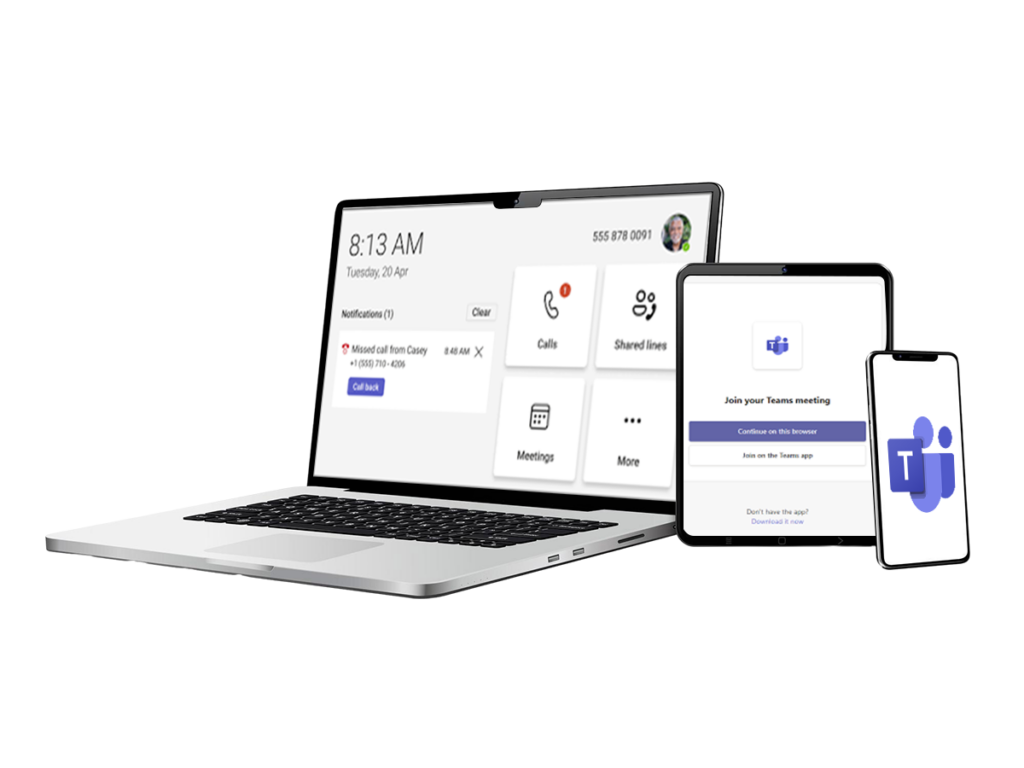
Microsoft Teams Phone System turns the Teams app into your full business phone setup. You can leave behind separate desk phones or old PBX equipment and handle all voice calls right from Teams. A Teams Phone provider helps switch on VoIP calling, sort incoming and outgoing calls, and blend phone features smoothly with your teamwork tools in the same app.
Unlock Teams calling features
To make external calls from Microsoft Teams, businesses link the app to the public switched telephone network (PSTN). A Teams Phone System provider usually handles this connection for you.
Three main routes let organisations set up PSTN access in Teams.
Direct Routing ties Microsoft Teams to your chosen telecom carrier via a certified Session Border Controller (SBC). It gives plenty of room to blend in your existing phone setup with Teams. Many firms like it for tailored call flows and better value on costs.
Operator Connect lets you turn on PSTN calling straight from the Microsoft Teams admin centre using approved providers. The provider looks after the network side while Microsoft sorts the Teams link. This keeps setup simple and cuts down on tech headaches.
Microsoft Calling Plans mean buying PSTN access direct from Microsoft. It rolls out quickly but offers less tweaking than Direct Routing. When reviewing Teams Phone providers, think about which option fits your communication plans and daily operations best.
Compare connectivity solutions
Setting up Microsoft Teams Phone System takes thoughtful planning to blend smoothly with your current IT setup and daily work. Most providers guide businesses through every stage of the rollout.
Start by picking the right Microsoft licences and setting up the Teams phone environment. Providers often check your network first to confirm it handles clear VoIP calls over your internet.
Most businesses prefer keeping their current phone numbers when moving to Teams. Number porting shifts these from your old provider to the new Teams setup. Skilled providers oversee this carefully to limit any gaps in service and ease the changeover.
Once setup finishes, train your team on Teams calling basics. Cover making calls, checking voicemail, and using teamwork features all in the app. Good training means staff pick it up fast and make the most of the system from day one.
Plan your Teams deployment
Costs for a Microsoft Teams Phone System provider vary based on connection types, call allowances, and support levels.
Providers usually bill monthly per user, covering PSTN links, minutes, and helpdesk access. In the UK, expect £12 to £30 per user each month, depending on what’s included.
Look beyond the price tag when choosing. Reliability, support reach, and contract terms often shape the true worth of your setup.
Choosing the right Microsoft Teams Phone System provider can be difficult when multiple providers offer similar services with different pricing models, connectivity options, and support levels. UK businesses often need to evaluate several factors, including PSTN connectivity, service reliability, and deployment support before making a decision. Our comparison helps organisations simplify this process by highlighting the key differences between leading Microsoft Teams Phone System providers in UK. By reviewing pricing, connectivity options, support services, and scalability, businesses can identify a provider that aligns with their communication needs and long-term growth plans.
Get expert provider guidance
Yes. Most providers give technical help to keep your Teams phone services running well. This covers setup guidance, number transfers, fixing issues, and regular upkeep for steady calls.
A Teams Phone System provider is a telecom firm that powers business calls in Microsoft Teams. They supply the PSTN connection, network setup, and support you need.
The right choice varies by cost, connection types, and help offered. The VoIP Shop works well for many UK firms thanks to its Direct Routing focus and adaptable call plans. Small and mid-sized businesses often pick it for Teams switches.
Yes. With Teams Phone System added, it becomes a complete phone solution. You get calling, voicemail, call handling, and teamwork features all in one.
Direct Routing links Teams to your telecom carrier via a Session Border Controller for more control. Operator Connect turns on PSTN services right in the Teams admin centre through approved partners.
Microsoft Teams Phone System pricing in the UK usually ranges from £12 to £30 per user per month. The final cost depends on the provider, PSTN connectivity option such as Direct Routing or Operator Connect, and the calling plan included.
Yes, most Microsoft Teams Phone System providers support number porting, allowing businesses to transfer their existing phone numbers to the new system. This means organisations can keep their current contact numbers when moving to Teams telephony. Providers typically manage the porting process to ensure a smooth transition.
In many cases, Microsoft Teams Phone System can be more cost-effective than traditional PBX solutions. Because it is cloud-based, businesses avoid the costs of on-site hardware, maintenance, and upgrades. This makes Teams telephony a flexible and scalable option for modern organisations.
Yes, many small businesses use Microsoft Teams Phone System to manage calls, messaging, and meetings within one platform. It provides professional communication features without requiring complex phone infrastructure. This makes it a practical solution for smaller teams adopting cloud communication.
Deployment time depends on the organisation’s size and existing telecom setup. Small businesses can often implement Microsoft Teams Phone System within a few days. Larger organisations may require several weeks to complete configuration, number porting, and testing.
Choosing the right Teams Phone provider shapes your communication flow, dependability, and growth options. Providers differ in pricing, connections, and support, so a side-by-side look helps find the best fit. If you’re setting up Teams telephony, weighing options lets you check features, PSTN choices, and help levels first. Reviewing UK providers this way ensures reliable calls, easy rollout, and good value over time.