

The iPECS phone system is a professional business telephone platform used by UK organisations that want reliable desk phones, modern call handling, and a clear path away from ageing PSTN and ISDN lines as the UK PSTN switch-off approaches. Instead of relying on copper phone networks, iPECS connects your office to the public phone system using interne based VoIP, giving you more control, better call quality, and flexible ways to work across offices, home locations, and customer service teams. Unlike cloud-only platforms, iPECS sits between traditional PBX systems and fully cloud phone services. Businesses keep the stability and control of a proper phone system, while gaining features normally found in cloud telephony, making it a practical way to move away from PSTN without losing a familiar business phone setup.
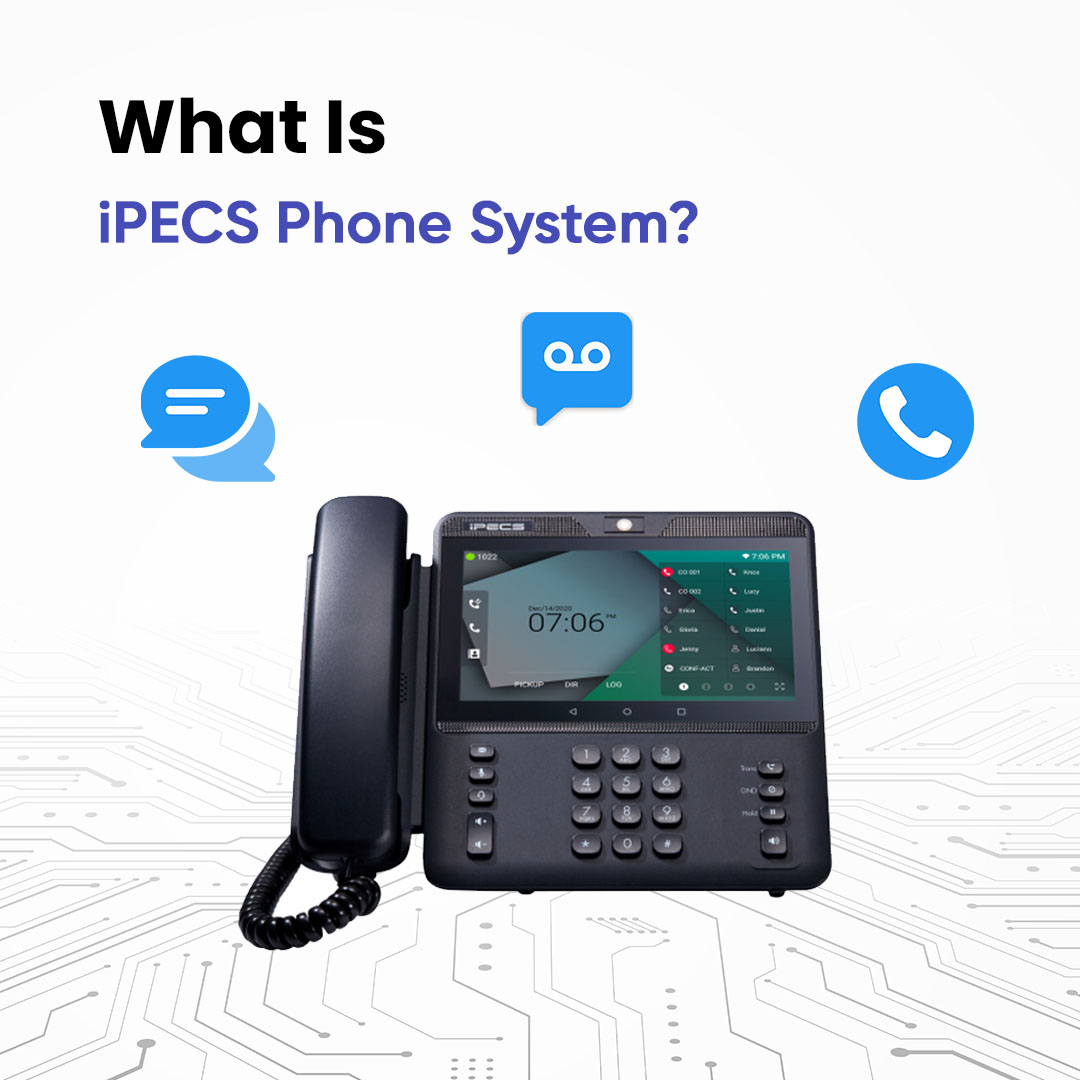
The iPECS phone system is a business PBX platform developed by LG-Ericsson for companies that need professional voice communication without relying on old-style phone lines. It manages all inbound and outbound calls, internal extensions, voicemail, call routing, and desk phone connections from one central system.
In a typical UK business, iPECS replaces:
Instead, calls are carried over the internet using SIP trunks, while users connect through iPECS phones, desktop softphones, or mobile apps. This allows companies to keep their existing numbers, support remote workers, and handle customer calls more efficiently.
iPECS serves as the central switchboard for your business calls.
When a customer dials your UK number, it travels via your SIP trunk provider into the iPECS PBX. There, your rules take over directing it to the proper person, team, or queue.
That central control sets iPECS apart as a solid business phone system, far beyond a simple app.
Desk phones, softphones, and mobile apps all route through iPECS no direct public network links. Everything funnels centrally, giving you command over
Call routing
Queues and auto attendants
Voicemail and recording
Number presentation

Core options include:
iPECS functions as a core PBX managing inbound and outbound calls across your organisation. UK firms choose it for structured handling, desk phones, and provider oversight skipping pure software platforms.
Desk phones, softphones, and apps connect straight to this PBX. Rules cover auto-attendants, queues, hunt groups, voicemail, and forwarding so reception, departments, and service desks stay consistent.
SIP trunks over VoIP link it to the UK network, ditching old lines while porting numbers through the PSTN switch-off.
Authorised providers handle updates, security, and uptime. Perfect for businesses wanting reliable calls without in-house telecom hassles.
See how iPECS works
These features allow businesses to manage high call volumes, route customers to the right people, and maintain a professional presence across all locations.
Explore iPECS calling features
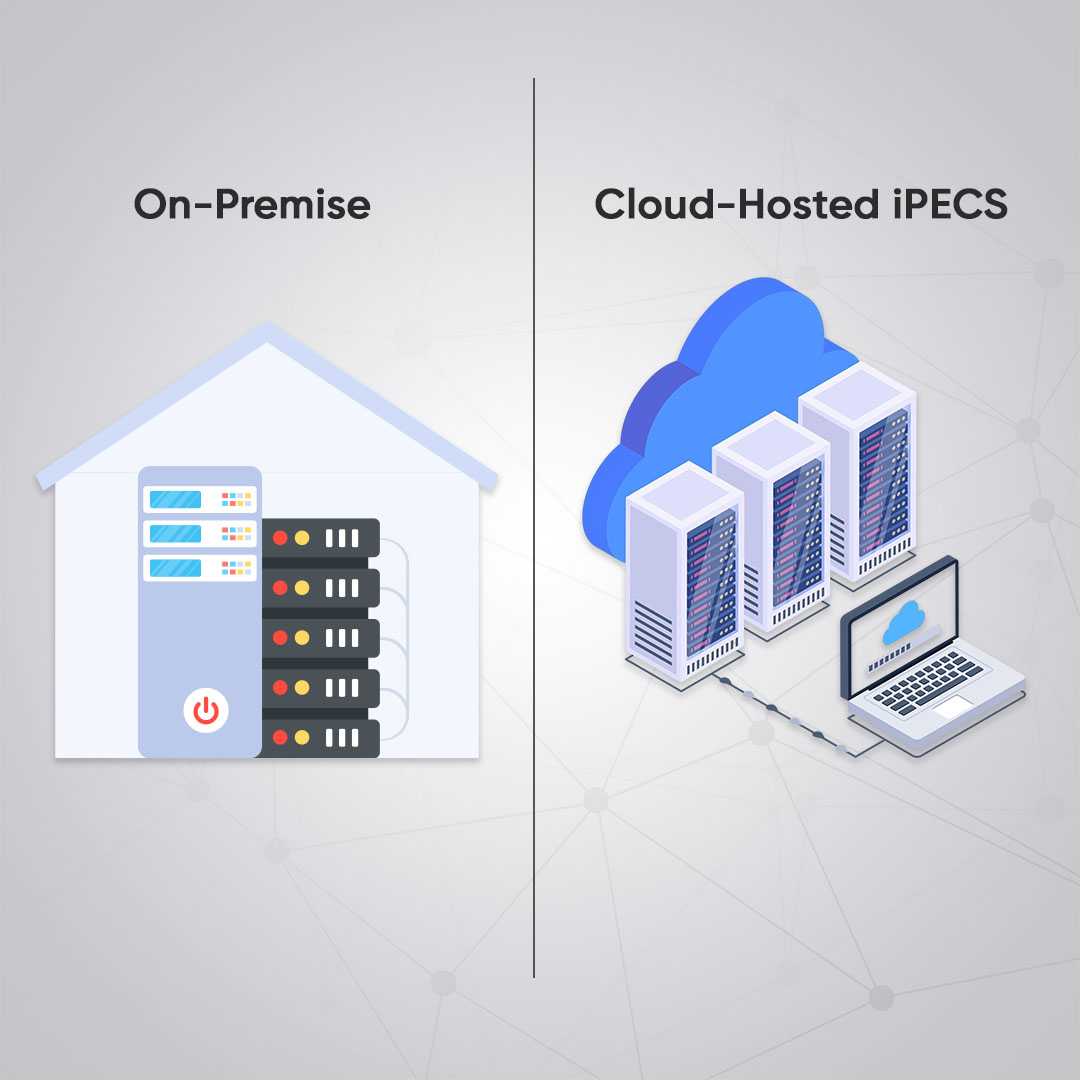
iPECS can be deployed in two main ways.
The PBX hardware sits in your office or data centre. You control the system directly, manage updates, and connect SIP trunks from a UK telecom provider. This option suits businesses that want maximum control over their phone infrastructure.
The PBX runs in a secure UK data centre managed by a provider. You use the same iPECS phones and features, but without maintaining physical hardware. This makes it similar to cloud-hosted phone systems, which many UK businesses choose for predictable monthly costs and lower IT involvement
Both options support VoIP, UK numbers, and PSTN switch-off compliance.
The UK is switching off PSTN and ISDN phone lines. Businesses that still rely on analogue or digital circuits must move to internet-based calling.
The iPECS phone system is designed for this change. By using SIP trunks, it connects directly to the digital phone network and keeps your business compliant with Ofcom and UK telecom standards. Existing numbers can be ported across, so customers continue to call the same lines even after the old network is retired.
The cost of an iPECS system depends on how it is deployed and how many users you have.
Typical costs include:
Small businesses may pay a few pounds per user per month for cloud services, while larger on-premise systems involve higher upfront hardware costs but lower long-term fees. Compared to traditional PBX lines, VoIP-based iPECS usually delivers lower call costs and better scalability.
See iPECS pricing options
While the iPECS phone system offers strong PBX-level control, it is not the best fit for every business. Unlike software-only cloud platforms, iPECS relies on either physical hardware or a hosted PBX environment. This means there is more setup, more ongoing management, and less flexibility compared to platforms that run entirely in the cloud.
Remote-first businesses may find that iPECS requires more configuration to support staff working across different locations. Updates, integrations, and scaling are also slower than with fully cloud-native systems. For organisations that want rapid changes, app-based management, or tight integration with collaboration platforms, iPECS may feel more traditional.
On-premise iPECS places the PBX hardware right in your office or data centre. Your firm owns it outright and links it to external lines via SIP trunks. This fits companies craving full control, with their own IT staff and a preference for keeping telephony on-site. Larger offices often find it more economical over time—no recurring hosting fees.
Hosted iPECS, or iPECS cloud, runs the PBX from a secure UK data centre managed by your telecom partner. You keep the familiar iPECS phones and functions, minus the server upkeep. Ideal for those seeking steady monthly bills, reduced IT burdens, and straightforward recovery after disruptions.
Picking the right iPECS setup ranks among your key decisions. It shapes costs, control levels, reliability, and future team workload.
UK businesses typically choose from two main iPECS options.
In short:
Decide whether the PBX will sit in your office or in the cloud. This affects cost, control, and IT involvement.
Choose the right iPECS phone models, headsets, and user licences based on how staff take calls.
A SIP provider supplies your UK numbers and routes calls into the iPECS system.
The system is set up with extensions, voicemail, call queues, and security rules.
Each employee gets a number, and call routing is designed to match how your business works.
All inbound and outbound calls are tested before customers are moved over.
The iPECS phone system works best for UK businesses that still rely on desk phones and structured call handling, but need to move away from PSTN and ISDN to modern VoIP.
It is a good fit for:
If your business values stability, call control, and physical phones more than mobile apps and cloud tools, iPECS is usually a sensible choice.
Compare Phone Systems is an independent UK platform designed to help businesses understand where solutions like iPECS fit within the wider business phone system market, comparing PBX, hosted PBX, and cloud VoIP options so companies can make informed decisions based on how they actually work rather than sales messaging, which is why iPECS is included here as a widely used desk-phone and PBX-style platform for organisations planning their move away from PSTN and ISDN and wanting to see how it stacks up against modern alternatives.
Compare iPECS Options
Selecting the right iPECS provider is just as important as choosing the phone system itself. A good provider ensures your system is set up correctly, stays supported, and grows with your business.
When evaluating providers, focus on these key factors:
Selecting a provider that ticks these boxes guarantees your iPECS system operates seamlessly, bolstering business communications now and in the years ahead.
Find trusted iPECS providers
Deciding whether the iPECS phone system is right for your company comes down to how your business works now and how you plan to communicate in the future.
Choose iPECS if your business:
iPECS delivers a stable, predictable, professional phone environment with features that support daily business calls and customer interactions.
However, you might prefer other systems if:
In summary, iPECS is a strong choice for UK businesses that want PBX-style control with modern VoIP flexibility, especially where desk phones and service reliability matter most.
If your priorities lean more toward cloud-native agility and remote workflows, alternatives like Microsoft Teams Phone or cloud VoIP platforms might serve you better.
Compare iPECS with Other UK Phone systems
See how iPECS stacks up against platforms like Microsoft Teams Phone, 3CX, hosted PBX, and cloud VoIP. Compare features, call handling, flexibility, and suitability so you can choose the phone system that fits your business rather than what’s most heavily marketed.