





UK firms are increasingly moving away from traditional phone systems towards cloud-based calling, driven in part by the upcoming PSTN switch-off, which will see traditional copper lines withdrawn across the UK by late 2027. This page presents Cisco Webex Calling in clear, practical language, providing a straightforward understanding of what it offers, how it operates, and whether it aligns with your business’s actual needs. This guide keeps things clear and comparison driven. It examines Cisco Webex Calling as a cloud phone system, the place of Cisco phones and Cisco VoIP phones in the mix, and the sort of features, setup challenges, and costs that UK businesses can expect in practice.
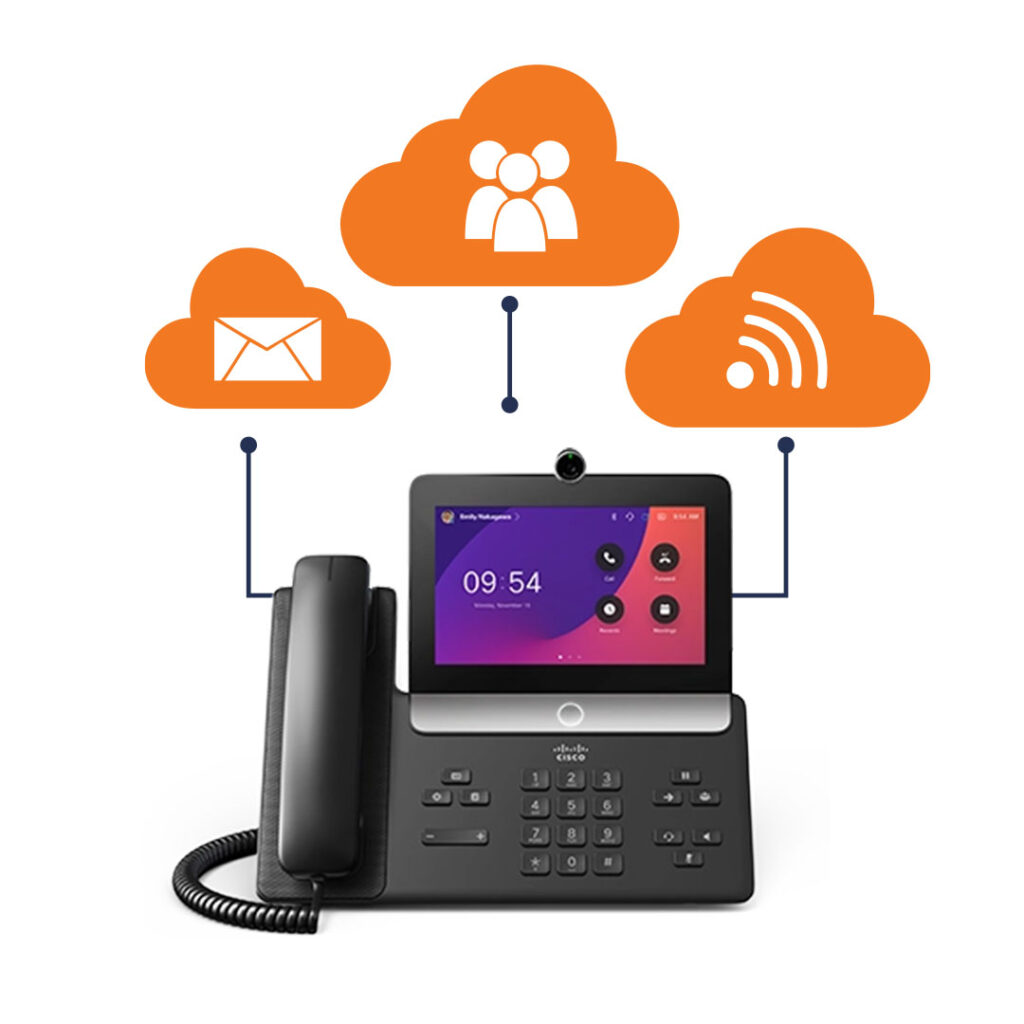
Cisco Webex Calling offers UK businesses a fully cloud-hosted phone system straight from Cisco. It replaces older on-site PBX setups with a seamless calling service that works entirely over the internet.
This removes the need to manage on-site phone hardware in the office, as all call management takes place in the cloud. Users can handle incoming and outgoing calls through Cisco IP desk phones, as well as desktop and mobile apps, all connected through a single, straightforward online dashboard without the need for any physical PBX equipment to install or maintain.
Unlike earlier Cisco Systems that relied on local servers, Webex Calling supports distributed teams more easily, reduces ongoing upkeep costs, and allows user numbers to be adjusted flexibly as business needs change. Most UK organisations choose it when they want something dependable and built for enterprise scale, rather than the lowest-cost VoIP option available.
With the UK PSTN switch-off on the horizon, businesses must ISDN and analogue lines for good. Cisco Webex Calling runs purely on IP tech, so it sidesteps any dependence on those legacy phone lines.
It handles calls via the internet using SIP, integrating with post-PSTN networks without a hitch. You can shift existing numbers over to the cloud easily, setting up a calling system that’s ready for whatever UK telecom shifts bring next. Firms still on legacy Cisco setups find Webex Calling a clean way to leave on-premises gear behind.
Prepare for PSTN
When a customer dials your business number, Cisco’s cloud platform routes the call and sends it ringing to the right team. Any available team member can pick it up whether on a desk phone, laptop, or mobile and once the conversation is complete, the call ends.
Day-to-day, Cisco Webex Calling operates like a standard business phone system, but without the need for physical lines or on-site PBX equipment. Each team member gets their own business number, and features such as call forwarding, voicemail, or extensions are all managed through a centralised online portal.
Office-based workers connect their Cisco IP phones straight to the internet, where they register with the system automatically. For hybrid or remote workers, that same number follows them across devices, so calls move smoothly between office and home without interruption.
Review core features
Enterprise Reliability
It draws on Cisco’s worldwide cloud setup to ensure steady call quality, perfect for those vital business conversations.
End-to-End Security
Top-notch encryption covers calls, voicemail, and data—ideal for sectors with strict rules.
Seamless Device Switching
Keep your business number active across desk phones, laptops, or mobiles, with no breaks in service.
True Scalability
Bring users on board or let them go without touching hardware or swapping out the PBX.
Centralised IT Control
One admin portal takes care of users, numbers, routing, and all the settings.
Enterprise-Level Pricing
Costs more than basic VoIP options, suiting firms that value dependability over low price.
More Than Small Teams Need
Tiny outfits might prefer straightforward platforms that feel less involved.
Best Value Inside the Cisco Ecosystem
Shines brightest when paired with Cisco IP phones and Webex tools.
Limited Bespoke Customisation
Puts steadiness first, rather than intricate call routing tweaks.
Cisco Webex Calling works out per user, each month, though the full price hinges on licensing choices, calling plans, and whichever UK provider handles the service. It stands apart from cheaper VoIP options by targeting enterprise-grade cloud phone systems rather than basic calling tools.
For UK businesses in practice, expect Cisco Webex Calling to sit above simple VoIP services and line up fairly with the likes of Microsoft Teams Phone, depending on your setup. Things like international calls, advanced call routing, or hands-on support can nudge the cost up further.
Your choice of provider makes a big difference here. Some UK businesses roll onboarding, number porting, security setup, and ongoing management into the monthly fee, while others tack these on as extras. That’s why two quotes for the same user count can vary significantly. Most pick Cisco Webex Calling for its high reliability, strong security, and lasting stability—not because it is the absolute cheapest monthly outlay.
Estimate your cost
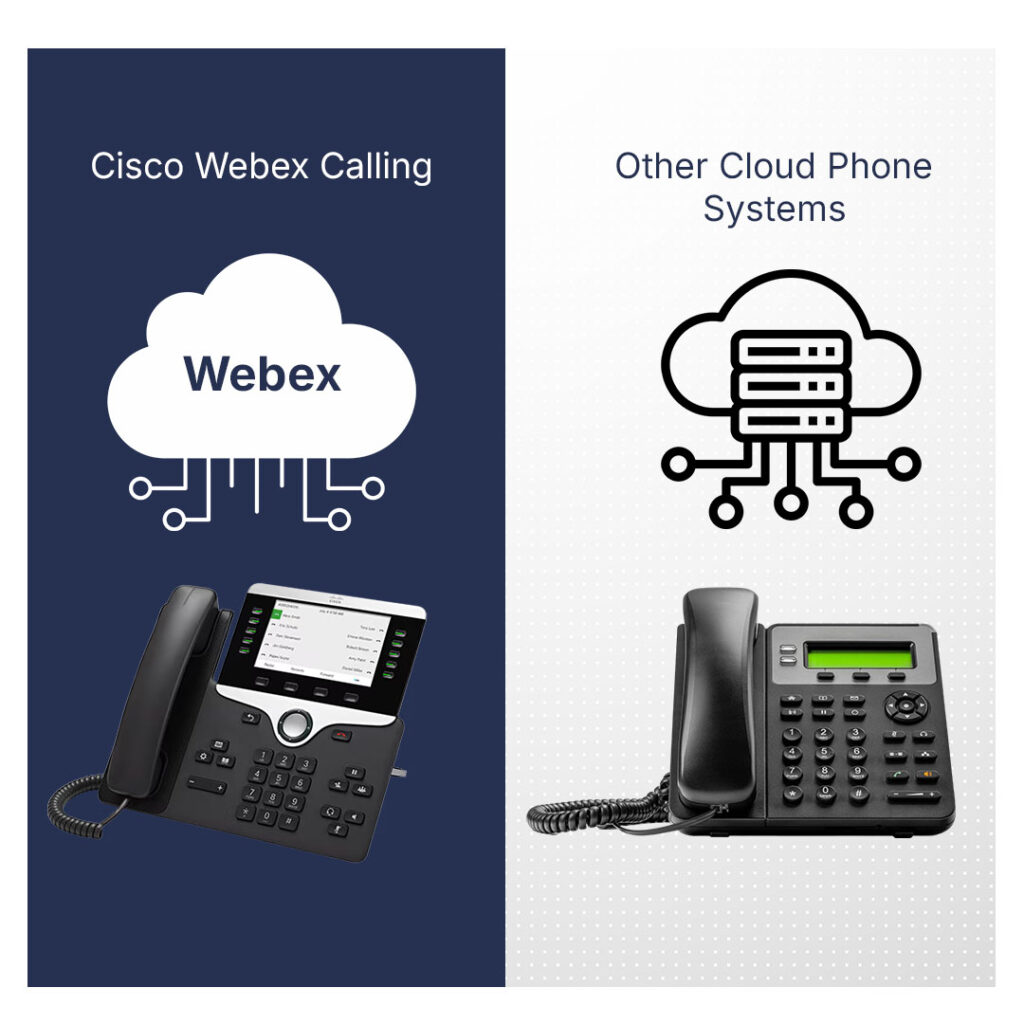
UK businesses weighing up Cisco Webex Calling against rival cloud phone systems often find the real distinctions lie in scale, setup demands, and how well it matches long-term plans, rather than everyday calling basics.
Most cloud phone platforms cover the core features like VoIP calling, voicemail, and mobile apps. Cisco Webex Calling leans towards the enterprise end of things, so it is more commonly compared with Microsoft Teams Phone or RingCentral than cut-price VoIP outfits.
It puts reliability and security ahead of sheer ease, making it a good pick for firms whose phone setup needs to grow steadily and stay stable over time. If low-cost, simple calling is all you want, other choices might suit better but for those planning long-term growth, Webex Calling often feels like the steadier, more organised bet.
It shines for medium to larger outfits say, 20 users and up that count on steady call management, central oversight, and room to grow without swapping out their whole setup.
It is also well suited to organisations with hybrid or remote working models, letting staff pick up business calls on desk phones, laptops, or mobiles, all with the one number.
Sectors like finance, professional services, healthcare, and multi-site operations get real value from its focus on reliability, compliance, and consistent, dependable performance
Start by picking a UK provider certified for Cisco Webex Calling. They’ll walk you through setup, licensing, and bringing over your numbers.
Work out user count, which numbers to use, and call flows like extensions, queues, auto attendants, and simple routing.
Switching from another system? Your provider handles porting to keep your business numbers intact, timed to dodge any outages.
Equip users with Cisco IP phones, desktop apps, mobile apps, or a mix. Desk phones hook to the internet directly; apps let calls happen on laptops or phones.
Tweak forwarding, voicemail, hours, and team handling via the online admin portal central changes, no device-by-device visits.
Run test calls to check numbers, routing, and kit. Once testing is complete, the system can go live.
Choosing Cisco Webex Calling is only part of the decision. UK businesses must also choose the right provider to supply, configure, and support the system. While the Cisco platform itself is consistent, the real-world experience depends heavily on the provider’s design, setup quality, and ongoing support.
Different types of UK providers deliver Cisco Webex Calling in different ways:
| Provider Type | UK Support | Cisco Experience | Best Suited For |
|---|---|---|---|
| Specialist Cisco Partners | UK-based | High | Complex or voice-critical deployments |
| Managed Service Providers | UK-based | Medium–High | Businesses wanting ongoing support |
| Large Telecom Providers | Mixed | Medium | Multi-site or enterprise estates |
| Cloud Communications Resellers | UK-based | Medium | Smaller or cost-focused teams |

When comparing providers in the UK, focus on these factors rather than price alone:
Comparing providers properly ensures Cisco Webex Calling delivers the reliability, security, and performance it is designed for rather than becoming a complex system that is poorly implemented.
Choose provider
At Compare Phone Systems, we helps UK businesses choose both the right cloud phone system and the right provider. We compare platforms like Cisco Webex Calling with alternatives, explain realistic cost expectations, and highlight what to look for in a UK provider so decisions are based on facts rather than sales pressure.
Not sure which phone system fits your business?
Cisco Webex Calling isn’t a one-size-fits-all answer, but it’s a solid pick for businesses that put stock in reliability, security, and the ability to scale over time. If you’re after a dependable cloud phone system that pairs well with Cisco phones and keeps pace with your growth, it’s certainly worth a proper look.
Cisco Webex Calling is a cloud-based business phone system. It lets you make and receive calls over the internet. This replaces old PBX, ISDN, and analogue phone systems entirely.
Yes, it works perfectly for UK businesses of all sizes. It supports local UK numbering and SIP connectivity fully. Plus, it’s ready for the PSTN switch-off without issues.
No, there’s no need for on-site PBX hardware at all. Call control runs entirely in the cloud for simplicity. Staff just use Cisco desk phones or softphone apps as needed.
Yes, you can port your existing UK geographic and non-geographic numbers. An authorised UK provider handles this smoothly. There’s no disruption to your service during the switch.
Cisco Webex Calling focuses mainly on voice and PBX-style telephony. Microsoft Teams Phone prioritises collaboration tools alongside calling. Choose based on whether calls or teamwork matter most to you.
Yes, it uses enterprise-grade encryption for all calls and data. This makes it ideal for regulated industries, too. Think finance, healthcare, and professional services.
Absolutely, it’s built for remote and hybrid teams. Use the same business number on desk phones, laptops, or mobiles. Calls stay seamless wherever your staff are based.
Pricing is per user per month through UK providers. It varies by calling plan and support level included. It sits above basic VoIP as a premium enterprise option.
No, Cisco desk phones are entirely optional for Webex Calling. It works fine with softphone apps on desktops and mobiles too. Pick what fits your team’s daily workflow best.
Very small teams or budget-focused businesses might skip it. Those needing heavy custom call routing often prefer simpler VoIP platforms. It’s best for reliability over low cost.
Choosing a phone system is only part of the decision. The provider you choose and how the system is set up and supported often have a bigger impact on performance than the platform itself. Compare Phone Systems helps UK businesses understand their phone system and provider options clearly, compare them objectively, and make decisions based on realistic expectations rather than sales claims.